
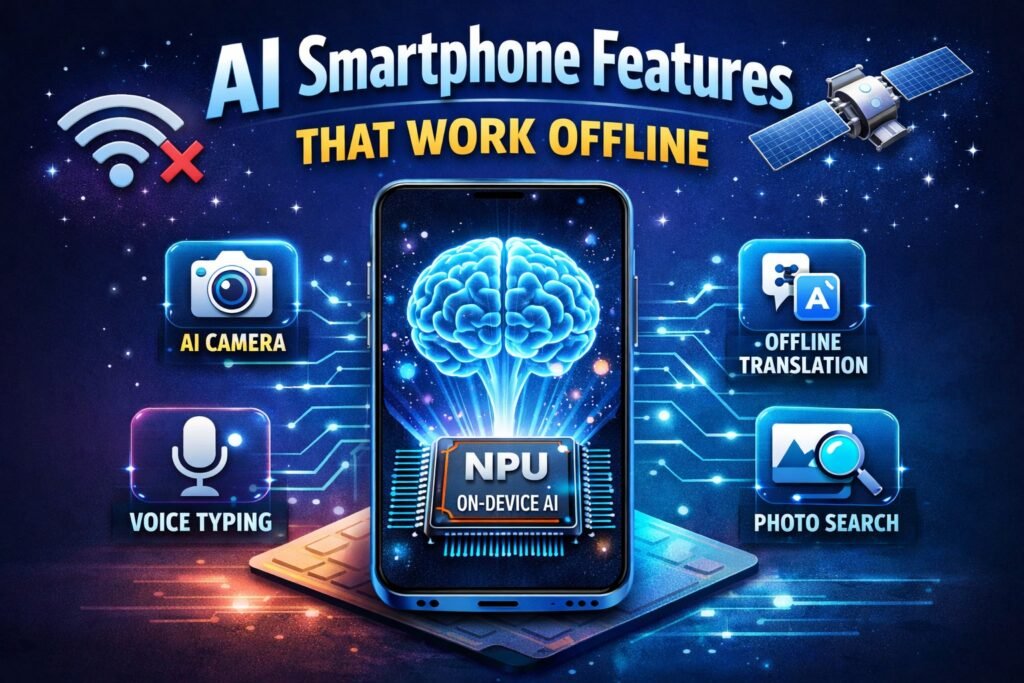
Artificial intelligence is rapidly transforming smartphones. From voice assistants to camera improvements, AI is now a core part of modern mobile devices. But one of the most exciting developments is offline AI features, where artificial intelligence works directly on your phone without an internet connection.
These features rely on on-device AI processing, meaning the data is processed locally instead of being sent to cloud servers. This approach improves privacy, speed, and reliability.
In this article, we will explore the most useful AI smartphone features that work offline and explain how they work.
What Is Offline AI in Smartphones?
Offline AI refers to artificial intelligence tasks that run directly on your smartphone hardware instead of using internet-based cloud servers.
Modern smartphones include specialized processors called Neural Processing Units (NPUs) that handle AI workloads efficiently. These processors can run complex machine-learning models locally, allowing AI features to work without an internet connection.
This means your phone can perform tasks like image recognition, speech processing, and text analysis instantly.
Why Offline AI Is Important
Offline AI is becoming increasingly popular for several reasons.
1. Faster performance
Since data doesn’t need to travel to the cloud, responses are almost instant.
2. Better privacy
Your personal information stays on your device instead of being uploaded to servers.
3. Works without internet
Offline AI features work even when you don’t have Wi-Fi or mobile data.
These benefits make offline AI one of the most important trends in modern smartphones.
Also read:-Do You Know AI-Powered Mobile Apps?: A Step-by-Step Beginner’s Guide
7 AI Smartphone Features That Work Offline
1. AI Camera Scene Detection
One of the most common offline AI features is AI camera scene detection.
When you take a photo, the smartphone analyzes the scene in real time and automatically adjusts settings like brightness, color, and focus.
For example, your phone can recognize:
- Food
- Night scenes
- Landscapes
- Portraits
This processing happens instantly using the phone’s AI chip.
2. AI Photo Editing
Modern smartphones can edit photos using AI even without internet access.
Common offline AI editing tools include:
- Object removal
- Background blur
- Auto color correction
Some photo editing apps also use machine-learning models that run directly on the device, allowing intelligent photo editing without sending images to servers.
This ensures both speed and privacy.
3. Voice Typing and Speech Recognition
Another useful offline AI feature is voice typing.
Your smartphone can convert speech into text without needing internet access.
This feature is useful for:
- Writing messages
- Creating notes
- Dictating documents
Offline speech recognition models process your voice directly on the device, making transcription faster and more secure.
4. AI Call Transcription and Summaries
Some smartphones can now generate call summaries and voice transcripts using on-device AI.
These features analyze recorded calls and create text summaries automatically.
Because the AI runs locally, the call data stays private and does not need to be uploaded to cloud servers.
5. AI Translation Without Internet
Offline translation is one of the most useful AI features for travelers.
Many smartphones can translate languages even when you are offline.
For example, your phone can translate:
- menus
- signs
- conversations
This works because the translation model is downloaded to your device and processed locally.
6. Smart Photo Search
Offline AI also enables smart search in your photo gallery.
You can search photos using words like:
- “dog”
- “beach”
- “birthday”
Your smartphone recognizes objects inside photos using machine learning.
The AI model scans images locally to identify objects and categories.
7. AI Battery Optimization
Another hidden offline AI feature is smart battery management.
Your smartphone learns how you use apps and predicts which apps you will use next.
Based on your usage patterns, AI can:
- limit background apps
- optimize charging cycles
- improve battery life
Because the learning happens directly on the device, it continues to work even without internet access.
How AI Smartphone Features That Work Offline
Offline AI is possible because modern smartphones contain powerful processors.
The main components include:
Neural Processing Unit (NPU)
A dedicated processor designed for machine learning tasks.
CPU and GPU
These assist with AI processing when required.
On-device AI models
These are smaller versions of large AI models optimized for mobile hardware.
Recent smartphone chips are powerful enough to run complex AI tasks directly on the device without cloud support.
This technology is known as Edge AI or On-Device AI.
Future of Offline AI in Smartphones
Offline AI is expected to become even more powerful in the next few years.
Tech companies are developing smartphones capable of running large AI models locally. Some Android devices already allow users to download AI models and run them directly on the phone without internet.
In the future, smartphones may perform tasks like:
- full AI assistants offline
- advanced image generation
- document analysis
- real-time language translation
All without sending your data to the cloud.
Conclusion
Offline AI is transforming how smartphones work. Instead of relying on internet connections, modern devices can process complex AI tasks directly on the phone.
Features like AI camera enhancements, voice typing, photo search, and offline translation show how powerful on-device AI has become.
As smartphone processors continue to evolve, offline AI will become faster, smarter, and more useful in everyday life.
For users, this means better privacy, faster performance, and smarter smartphones.
Frequently Asked Questions (FAQs)
1. What is AI Smartphone That Work Offline?
Offline AI refers to artificial intelligence features that work directly on the phone without needing internet connectivity.
2. Which smartphone features use offline AI?
Common offline AI features include camera scene detection, voice typing, photo search, translation, and battery optimization.
3. What hardware enables offline AI?
Offline AI is powered by specialized processors such as Neural Processing Units (NPUs) that handle machine-learning tasks efficiently.
4. Is offline AI safer than cloud AI?
Yes. Since the data stays on your device instead of being sent to servers, offline AI generally offers better privacy.
5. Do all smartphones support offline AI?
Most modern smartphones support some offline AI features, but advanced capabilities require newer processors designed for AI workloads.